01
Who has accepted?
See open and unconfirmed assignments. Give each guard a clear shift to accept, with the site and post instructions together.
SHIFT CONFIRMATIONPHYSICAL SECURITY OPERATIONS · EARLY ACCESS
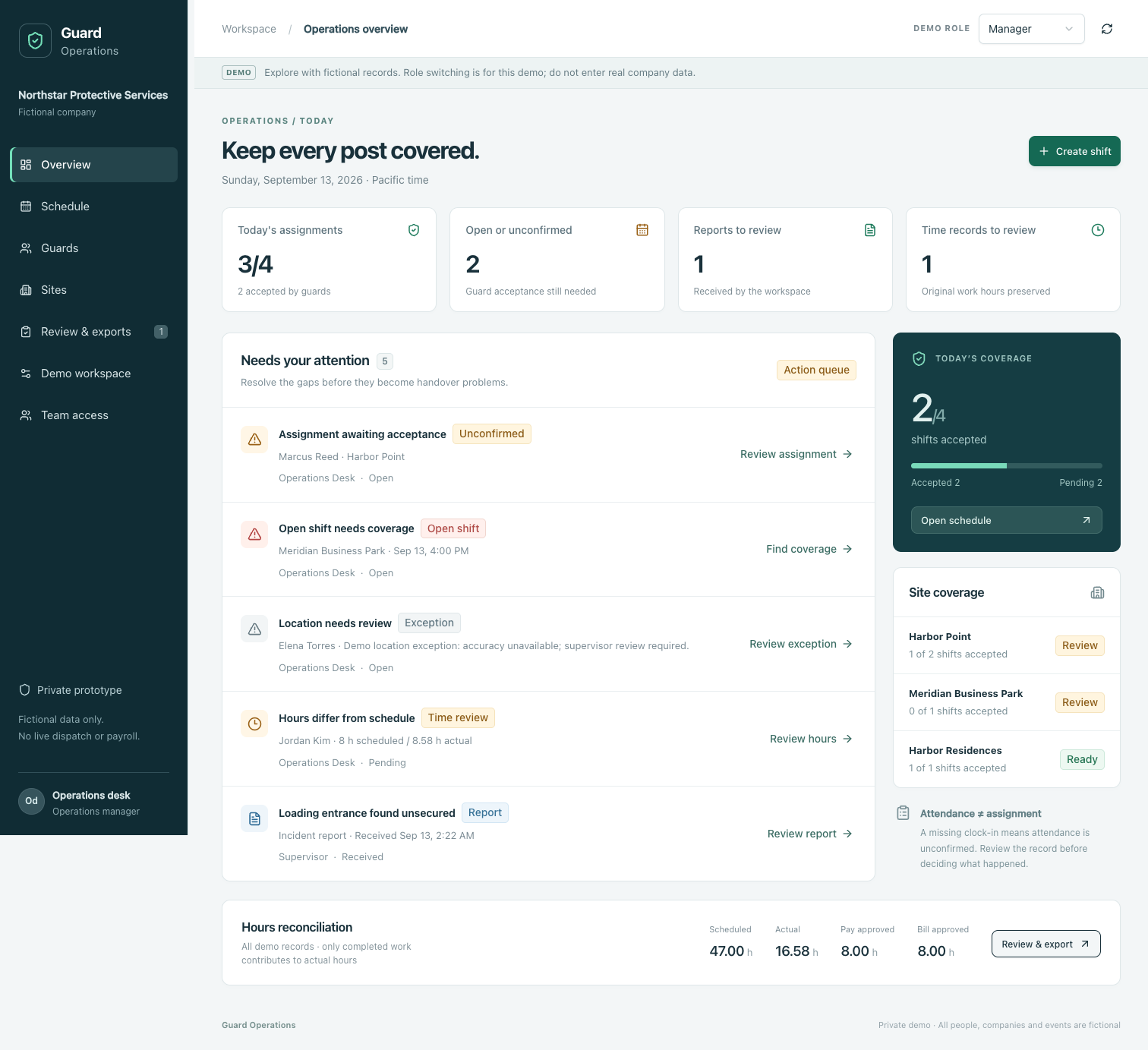
Unconfirmed shifts. Hours that need a second look. Reports waiting for approval. Bring your daily follow-up into one place.
For security company owners and operations teams.
THE WORK BETWEEN SHIFTS
See open and unconfirmed assignments. Give each guard a clear shift to accept, with the site and post instructions together.
SHIFT CONFIRMATIONCompare recorded work hours with the schedule. Keep the original record while supervisors review differences and approve time.
TIME REVIEWCollect activity and photo reports, request corrections, and approve the reports that are ready for the client view.
REPORT APPROVALONE WORKFLOW, THREE PERSPECTIVES
From assigning the post to sharing an approved report, everyone works from the part they need.
OPERATIONS & SUPERVISORS
Manage sites and guards, follow up on acceptance, and review time and submitted reports.
GUARDS
Open assigned shifts, record work hours, and prepare activity or incident reports with photos.
CLIENTS
See approved reports for the sites connected to their account.
BUILT FOR THE OPERATIONS DESK
We’re opening conversations with physical security firms managing recurring sites, starting around Los Angeles and Orange County.
The current prototype uses fictional data. Live location tracking, payroll processing, and invoicing are outside this demo.
LET’S LOOK AT YOUR DAY
Tell us a little about your team and the follow-up that takes the most attention.
Your request is saved for review. We’ll use your work email to coordinate manually; this form does not reserve a calendar slot.